Visual Consistency at Scale: Training a LoRA for Your AI Influencer
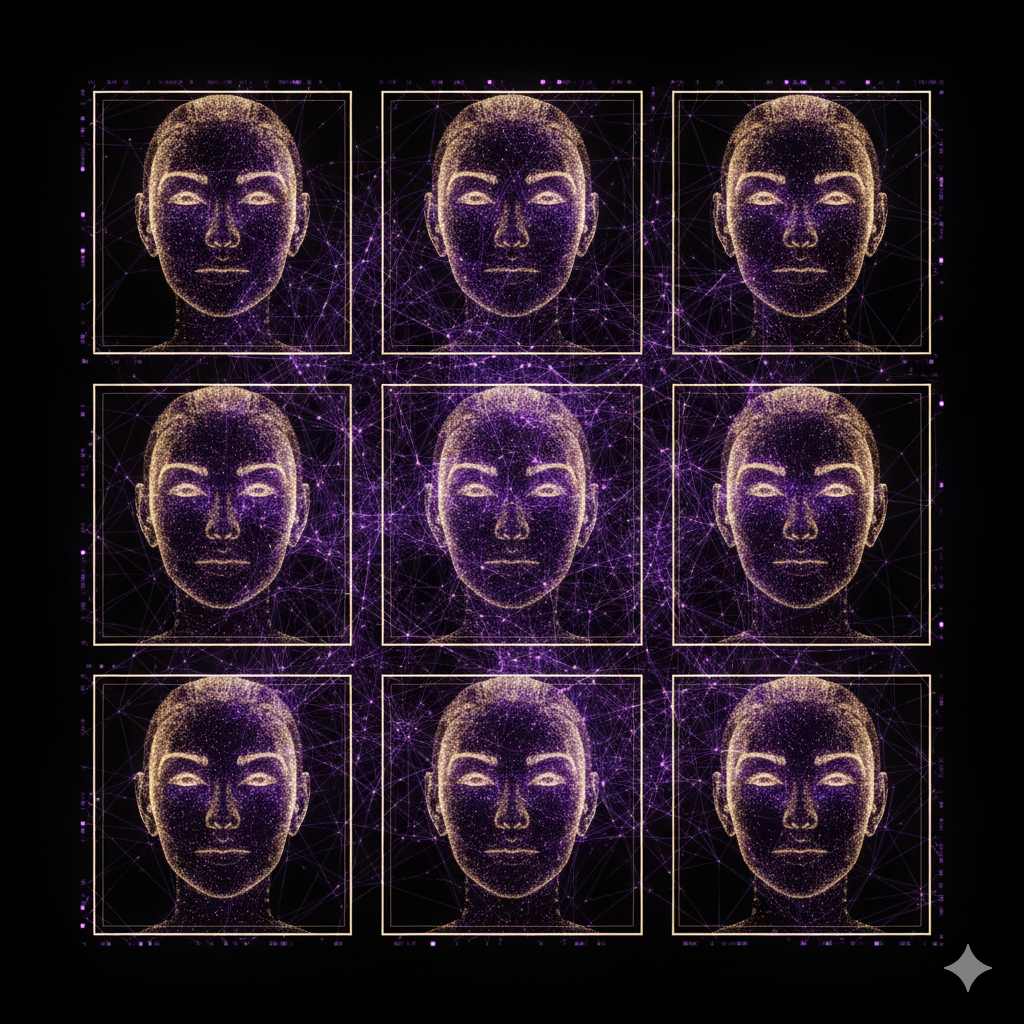
The Visual Identity Problem
Text is easy to keep consistent. You define a voice, and the LLM follows it. But images are harder.
Out of the box, FLUX.1 will generate a different face every time, even with the same descriptors. “Light brown wavy hair, hazel eyes, sun-kissed skin” will produce dozens of variations — none of which are recognizably the same person.
For a virtual influencer to feel real, every image must look like the same individual.
The solution: a custom LoRA (Low-Rank Adaptation) model trained on a synthetic dataset of your persona.
What is a LoRA?
A LoRA is a lightweight fine-tuning technique for diffusion models. Instead of retraining the entire model (which would cost thousands of dollars), you train a small adapter layer that steers the model toward your specific character.
The result: a model that generates your persona’s face consistently, regardless of the scene, lighting, or outfit.
Step 1: Build a Synthetic Dataset
You don’t need real photos. Generate a dataset of 30–50 images using FLUX.1 with detailed descriptors, covering:
- Different lighting (golden hour, studio, natural daylight)
- Different expressions (smiling, serious, laughing, looking away)
- Different settings (cafe, gym, beach, home)
- Different outfit styles
Consistency tip: use a fixed seed for the first batch, then vary angles and contexts.
Step 2: Caption the Dataset
Each image needs a text caption describing the scene. Example:
a photo of [trigger_word], a 23-year-old woman with light brown wavy hair
and hazel eyes, wearing workout clothes, in a modern gym, natural lighting,
photorealistic, 4k
Replace [trigger_word] with a unique identifier (e.g., siennafox23) that will activate your persona during inference.
Step 3: Train the LoRA
Use Replicate’s hosted training pipeline or run it locally with kohya_ss:
python train_network.py \
  --pretrained_model_name_or_path="black-forest-labs/FLUX.1-dev" \
  --train_data_dir="./dataset_sienna" \
  --output_dir="./lora_sienna" \
  --network_dim=32 \
  --max_train_epochs=20
Training takes ~30 minutes on an A100 GPU via Replicate.
Step 4: Configure Zirelia to Use Your LoRA
In your .env file:
REPLICATE_MODEL_VERSION=your-username/sienna-fox-lora:latest
LORA_TRIGGER_WORD=siennafox23
From this point, every image Zirelia generates will automatically include your trigger word in the prompt, producing a consistent face across all posts.
The Quality Control Loop
Zirelia includes a built-in critic that evaluates generated images before posting. If the image fails quality checks (wrong face, artifacts, hand distortions), the pipeline retries up to 3 times with adjusted prompts.
The result is a feed where every image looks like it was shot by the same photographer, of the same person — automatically, at scale.
Ready to Launch Your
Virtual Influencer?
Stop reading. Start building. Define a persona and Zirelia handles posting, images, and scheduling — 24/7, automatically.
You might also be interested in...
Launch Your Virtual Influencer
Define a persona. Zirelia handles posting, images, and scheduling — 24/7, automatically.
Star on GitHub